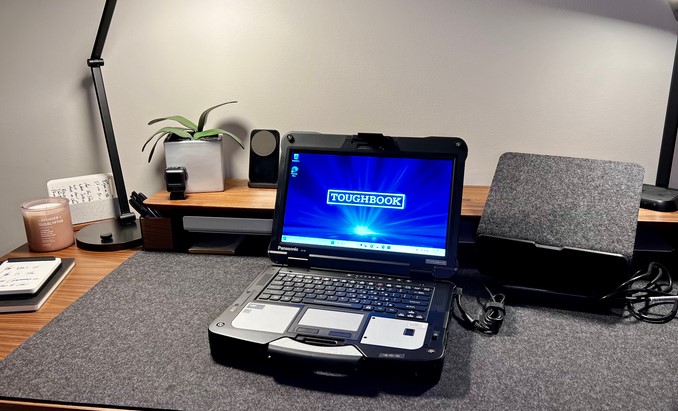
Picture dropping a standard consumer ultrabook from the hood of an ambulance onto rain-slicked concrete, running over it with a field telemetry vehicle, and then expecting it to immediately pull up critical diagnostic data without a single cracked pixel. In a typical office setting, a minor coffee spill triggers a panicky call to corporate IT. In extreme field operations, hardware failure can mean operational shutdown—or worse.
Over my past 10+ years deploying connected hardware, testing field tech, and evaluating enterprise devices in environments ranging from humid jungle clinics to dusty field hospitals, I’ve seen consumer-grade laptops die in spectacularly frustrating ways.
I still remember an incident early in my career when a standard “business-class” laptop suffered total motherboard failure simply because fine dust choked its internal fan during an offshore medical deployment. That single point of failure halted an entire diagnostic pipeline for two days.
That expensive lesson taught me a valuable truth: when conditions turn hostile, sleek design takes a backseat to extreme durability. In 2026, rugged laptops 2026 represent the pinnacle of industrial computing, blending battlefield-grade physical protection with cutting-edge processing performance.
The 2026 Paradigm Shift: Brains Meet Brawn
Historically, buying a rugged laptop meant accepting a massive compromise. You gained a thick, heavy chassis that looked like a military suitcase, but inside sat underpowered, legacy hardware running hot and sluggishly behind a dim, washed-out screen.
+-------------------------------------------------------------+
|               TRADITIONAL VS. 2026 RUGGED TECH              |
+-------------------------------------------------------------+
| Older Rugged Laptops --> Heavy, Dim Displays, Low Power     |
| Modern 2026 Models   --> Modular, Direct-Sunlight OLED, AI  |
| Combined Result      --> Extreme Survival + High Performance|
+-------------------------------------------------------------+
The landscape in 2026 is radically different. Modern engineering has bridged the gap between extreme durability and high-performance mobile computing.
Today’s rugged laptops 2026 leverage power-efficient silicon architectures, modular expansion bays, and dynamic thermal management. They offer rapid AI processing for field telemetry and real-time mapping while remaining virtually impervious to water, dust, drop impacts, and extreme temperatures.
Anatomy of Extreme Durability: What Makes a Laptop “Rugged”?
To choose the right device for field operations, research, or heavy industry, you need to look past rubberized corners and understand how these machines are engineered from the inside out.
1. Certification Standards (MIL-STD-810H & IP Ratings)
Legitimate durability isn’t a marketing buzzword; it’s verified through rigorous testing standards:
-
MIL-STD-810H: A US military standard evaluating resistance to shock, drop impacts (often 4 to 6 feet onto concrete), high-frequency vibration, thermal shock, salt fog, and explosive atmospheres.
-
IP Ratings (Ingress Protection): Look for IP65 or IP66 ratings. The first digit (6) indicates complete protection against fine dust, while the second digit (5 or 6) guarantees survival against high-pressure water jets from any direction.
2. Sealed Thermal Management & Passive Heat Pipes
How do you cool a high-performance CPU without sucking in sand, water, or chemical fumes?
Modern rugged systems isolate their internal electronics into sealed chambers. Heat is transferred away from the CPU and GPU using liquid vapor chambers and copper heat pipes routed to exterior chassis heat sinks, allowing powerful operation without open air vents.
3. Direct-Sunlight Readable Displays & Haptics
Operating outdoors requires screens designed for high-ambient lighting:
-
Ultra-High Brightness: 2026 displays reach 1,000 to 1,500 nits of brightness (compared to 300 nits on standard laptops).
-
Optical Bonding: Eliminates air gaps between the display glass and the LCD panel, reducing internal glare and reflection.
-
Glove-Touch Capacitive Panels: Advanced digitizers recognize inputs from heavy work gloves or damp fingers under torrential rainfall.
Analogy: Think of a standard laptop like a high-end sedan—sleek, fast, and comfortable on paved city streets, but easily broken by a deep pothole. A true 2026 rugged laptop is like a military-spec 4×4 vehicle: heavy-duty frame, sealed air intakes, and run-flat tires designed to drive straight through a mudslide without missing a beat.
Fully Rugged vs. Semi-Rugged: Matching Specs to Your Needs
Not every field environment demands an armored tank. Choosing the right tier avoids paying for excess weight or unnecessary protection.
| Feature / Metric | Semi-Rugged Laptops | Fully Rugged Laptops |
| Target Environment | Field technicians, law enforcement, construction sites | Search & rescue, military, offshore rigs, extreme climates |
| Drop Protection | 3 feet (36 inches) onto carpeted wood | 4 to 6 feet onto bare concrete |
| Ingress Rating | IP53 (Spills and light dust resistance) | IP65/IP66 (Full dust-tight & water-jet proof) |
| Chassis Material | Reinforced polymer with magnesium frame | Full CNC-machined magnesium-aluminum alloy chassis |
| Port Protection | Rubberized port covers | Mechanical locking doors with dynamic gaskets |
Pro Tips & Hidden Pitfalls: An Industry Insider’s Advice
Having stress-tested field units in extreme environments for over a decade, here are the non-obvious factors that marketing brochures rarely highlight.
Pro Tips for Field Readiness
-
Prioritize Dual Hot-Swappable Batteries: Never buy a field unit with a single internal battery. Dual hot-swappable battery bays allow you to pop in a fresh battery while the machine is running, giving you continuous 24/7 uptime without shutting down critical software.
-
Demands Modular I/O Expansion: Field hardware requirements change rapidly. Look for laptops offering modular expansion bays (Expansion Slots) that allow you to swap between legacy RS-232 serial ports, native Ethernet jacks, barcode scanners, or specialized medical interfaces on the fly.
-
Verify Sunlight Visibility (Contrast vs. Nits): High nit ratings are great, but contrast ratios matter just as much. Look for screens featuring anti-reflective coatings and circular polarizers to maintain crisp readability under direct midday sun.
Hidden Pitfalls to Watch Out For
-
The “Rugged Case” Illusion: Don’t confuse putting a rubber case on a standard consumer laptop with buying a dedicated rugged device. External cases do not protect internal hard drives, motherboards, or solder points from high-frequency vibrations or thermal shock.
-
Thermal Throttling in Extreme Heat: While sealed fanless designs protect against dust, operating a sealed unit in a $45^\circ\text{C}$ desert environment will cause aggressive CPU thermal throttling if the exterior heat dissipation surface is undersized.
-
Weight Accumulation: A fully equipped 15-inch rugged laptop with dual batteries and port covers can easily weigh 8 to 10 pounds. Ensure your field teams have appropriate mounting systems or shoulder harnesses for long shifts.
The Road Ahead: Autonomous Field Tech and AI at the Edge
Where is industrial hardware heading over the next few years? The integration of specialized AI processors and next-gen connectivity is changing how field work gets done.
+---------------------------------------------------------------+
|               THE FUTURE OF FIELD COMPUTING                   |
+---------------------------------------------------------------+
| Integrated Edge NPUs    --> Offline Real-Time AI Diagnostics  |
| Direct Satellite Modem  --> Global Connectivity Off-Grid      |
| Self-Healing Materials  --> Auto-Sealing Scratches & Gaskets  |
+---------------------------------------------------------------+
With native NPU integration, rugged laptops 2026 execute real-time computer vision, terrain mapping, and local diagnostic analysis without needing an active internet connection. Combined with built-in low-earth orbit (LEO) satellite modules, zero-connectivity dead zones are fast becoming a thing of the past.
Final Thoughts
Investing in rugged laptops 2026 is not about buying over-engineered gear for bragging rights; it is about building operational resilience. Whether you are managing field research teams, operating emergency response networks, or managing industrial job sites, choosing hardware built to withstand real-world abuse protects your data, eliminates costly downtime, and guarantees performance when failure is not an option.
Over to You: Are you deploying hardware in extreme environments, or looking for a durable workstation for field operations? What is the harshest condition your tech has to survive? Share your field experiences and questions in the comments below!
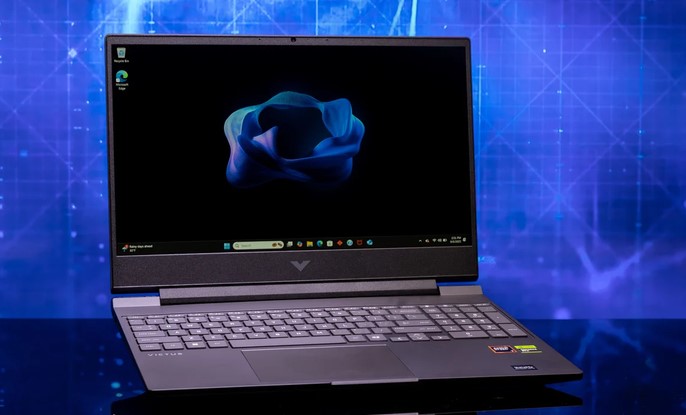
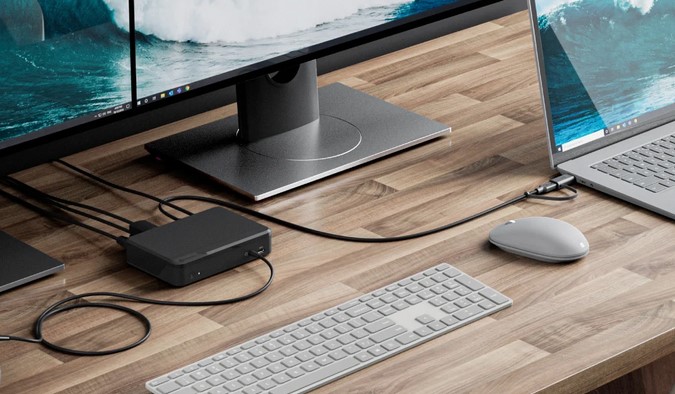
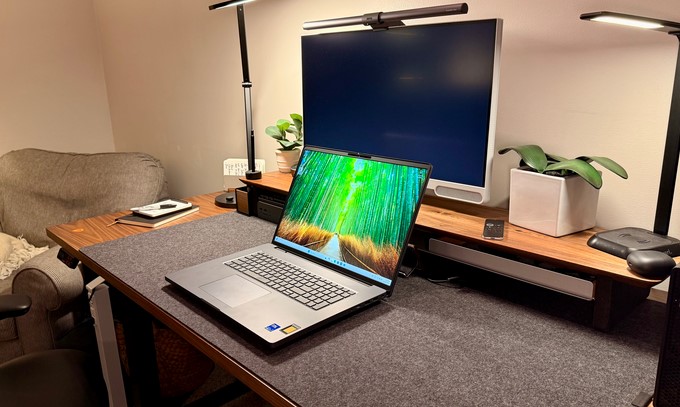
 In today’s fast-paced digital landscape, professionals, gamers, and content creators demand laptops that deliver not only high performance but also versatile connectivity. Laptops with Thunderbolt 4 have emerged as a premier choice for those seeking speed, efficiency, and seamless integration with a wide array of devices. Thunderbolt 4 technology offers blazing-fast data transfer, support for multiple high-resolution displays, and enhanced power delivery, making it a versatile solution for modern computing needs. This article explores the advantages of Thunderbolt 4, key features to consider, and how laptops equipped with this technology are shaping the future of portable computing.
